
When you use 2FA to protect your blockchain wallet or exchange account, you're doing something right. But what happens when your phone dies, your security key gets lost, or your SIM card is swapped? That’s when 2FA recovery methods become your lifeline. Too many people set up 2FA and never bother with recovery - until it’s too late. And in crypto, losing access isn’t just inconvenient. It’s permanent. Your coins are gone.
Why 2FA Recovery Isn’t Optional in Crypto
Blockchain accounts don’t have a "forgot password" button. No customer service rep can reset your private key. If you lock yourself out, there’s no way back. That’s why recovery methods aren’t a nice-to-have - they’re your last line of defense. According to Krebs on Security’s 2024 analysis, 82% of account takeovers targeting individual crypto users happened because of weak or missing recovery options. Most of these were people who relied solely on SMS or stored backup codes in an unencrypted notes app.Google’s own data shows that 12% of backup code recovery attempts in 2023 were fraudulent. That means attackers are already testing these paths. If your recovery is easy to guess, steal, or bypass, you’re not secure - you’re just waiting to be hit.
The Five Main 2FA Recovery Methods - Ranked by Security
Not all recovery options are created equal. Some are barely better than having no 2FA at all. Here’s what actually works - and what you should avoid.- SMS Recovery (Security Rating: 3/10) - Still used by 63% of financial services and 78% of consumer platforms, SMS is the most common but also the most dangerous. SIM swapping attacks rose 37% in 2023, according to FBI IC3 reports. In 2022, T-Mobile’s breach let attackers redirect 2FA codes to their phones for 37 million users. If your crypto exchange still uses SMS as a fallback, consider moving your funds.
- Email Recovery (Security Rating: 5/10) - Better than SMS because it doesn’t rely on carrier vulnerabilities. But if your email account is compromised - and 24% of secondary attacks in 2023 targeted email - you’re back to square one. Don’t use this alone. Use it as a backup, not your main option.
- Backup Codes (Security Rating: 7/10) - These are 8-16 character codes generated when you set up 2FA. Most services give you 10 codes. Each code can only be used once. Google, Coinbase, and Meta all use this system. The problem? People store them in plain text on their phones, in cloud notes, or even printed on sticky notes. A 2024 2FA User Behavior Report found that 57% of compromised recoveries came from unencrypted digital storage. The fix? Print them. Put them in a fireproof safe. Or store them in a password manager with two-factor enabled.
- Push Notification Recovery (Security Rating: 6/10) - Used by Authy, Microsoft Authenticator, and Duo. It’s more secure than SMS because it doesn’t send codes over the network. But it’s not foolproof. Attackers can use "bucket brigade" techniques - intercepting push notifications in real time - and succeed in 29% of targeted attacks, according to Spriv’s 2024 report. Only use this if you have another backup method.
- Hardware Security Keys (Security Rating: 9/10) - This is the gold standard. Devices like YubiKey, Titan Security Key, or Ledger’s FIDO2-compatible key use the WebAuthn protocol. They’re immune to phishing, SIM swapping, and remote attacks. Yubico reports zero successful attacks on FIDO2-based recovery across 12 million devices. If you hold significant crypto, this should be your primary recovery method. Set up at least two keys - one you keep at home, one you carry.
What the Experts Say - And Why You Should Listen
Dr. Paul Grassi, co-author of NIST SP 800-63B, calls recovery methods the "Achilles’ heel" of 2FA. He’s right. You can have the strongest authentication in the world, but if your recovery is weak, you’re wide open. Troy Hunt, founder of Have I Been Pwned, says the biggest failure he sees? People saving backup codes in unencrypted notes apps. "It’s like hiding your house key under the doormat - and then wondering why someone broke in." The SANS Institute surveyed 1,200 security pros in 2024. Seventy-six percent rated poorly implemented recovery as a "critical risk." And here’s the kicker: 89% of Fortune 500 companies plan to eliminate SMS-based recovery by 2025.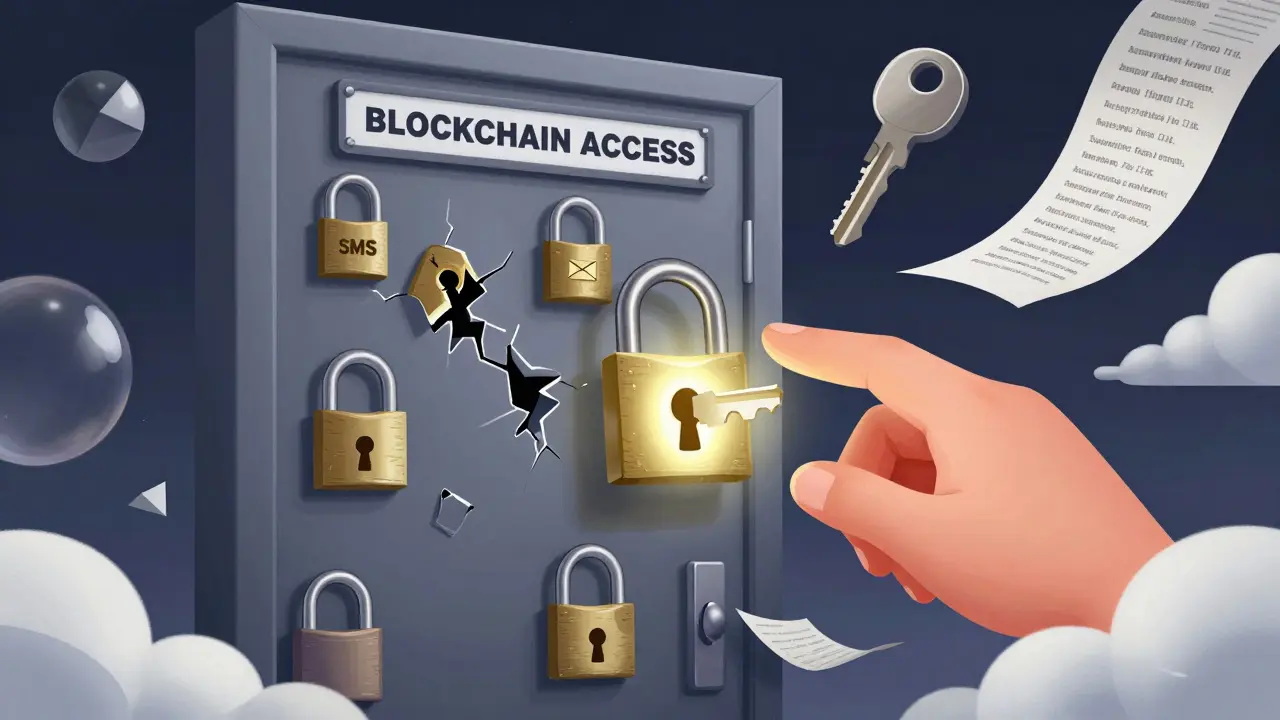
How to Set Up Recovery the Right Way
Most services let you set up multiple recovery options. Don’t pick just one. Use a layered approach.- Start with a hardware key - Buy two FIDO2-compatible keys. Register one as your primary. Keep the second in a secure place - like a safety deposit box or locked drawer. Test them now, before you need them.
- Generate and print backup codes - Do this on a clean device. Don’t use public Wi-Fi. Print the codes. Don’t scan them. Don’t screenshot them. Put the paper in a fireproof safe. Store a second copy with a trusted person - not someone you live with, but someone you trust absolutely.
- Use a password manager for digital backups - If you must store codes digitally, use a password manager like Bitwarden or 1Password that has its own 2FA. Never store them in Notes, Google Drive, or iCloud without encryption.
- Disable SMS and email recovery if possible - Some platforms let you turn these off. Coinbase, for example, removed SMS recovery for high-value wallets in late 2023. If your exchange doesn’t let you disable it, consider moving to one that does.
- Test your recovery every 6 months - Set a calendar reminder. Try logging in from a new device. Use your backup key. Print new codes. Confirm everything still works. If you haven’t tested it in a year, you’re gambling.
Real Stories - What Happens When Recovery Fails
On Reddit’s r/2fa, one user posted: "Lost my phone. Had backup codes. Saved $15,000 in ETH." That story got over 2,300 upvotes. Another post: "Lost my YubiKey. Didn’t have backup codes. Lost $5,000 in SOL. No recovery. No help. No refund." That one had 4,100 upvotes. A DevOps engineer on Hacker News lost $12,000 in AWS cloud resources after misplacing his hardware key. He had no backup codes. He had no recovery email set up. He was locked out for 17 days. The company’s IT team couldn’t help. The cloud provider couldn’t help. He lost everything. These aren’t rare. They’re predictable.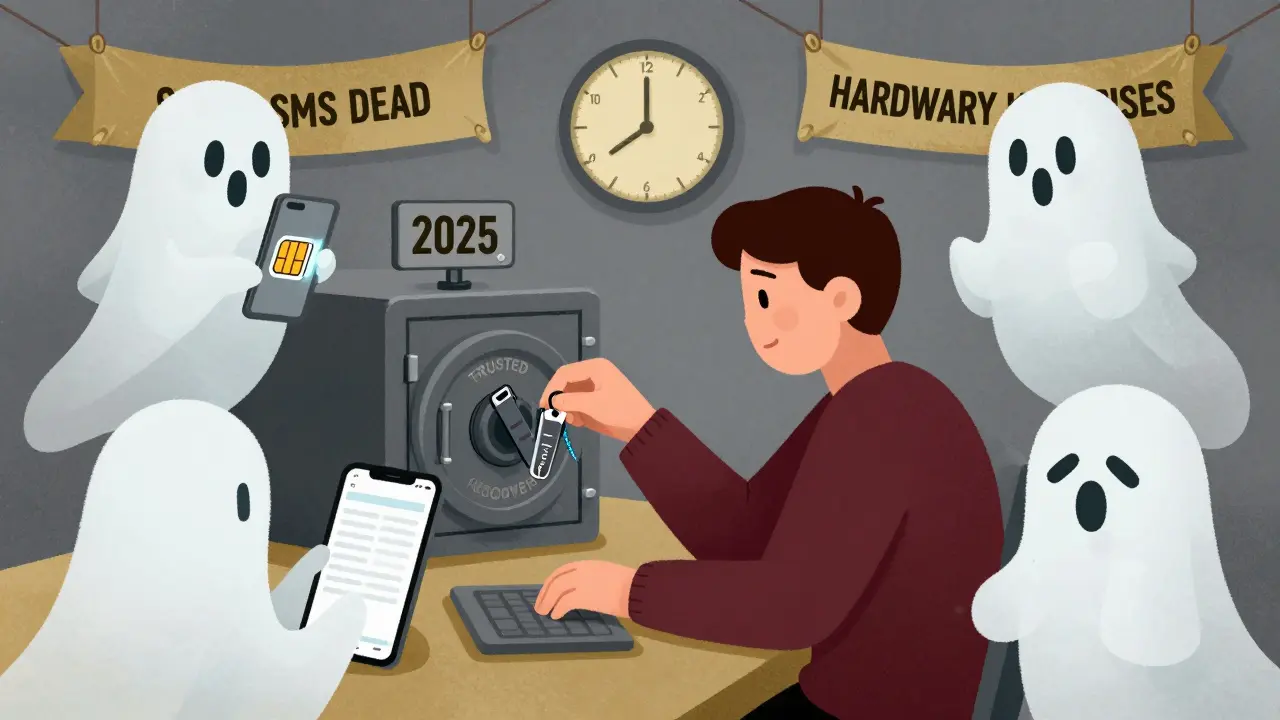
The Future: Passwordless Recovery Is Coming
In June 2024, Apple, Google, and Microsoft announced they’ll roll out Passkey Recovery by Q2 2025. This lets you recover your account using trusted devices - no codes, no SMS, no keys. It’s built into your phone, laptop, or tablet using cryptographic binding. Think of it like a digital heirloom: if you own a device you’ve used for years, you can recover access without any physical token. Meanwhile, blockchain-based recovery systems like Backupless (launched Q1 2024) are letting users store recovery keys on decentralized networks. Over 450,000 users have signed up in six months. It’s still early, but it’s a sign of where things are headed.By 2027, Gartner predicts hardware key usage will jump from 31% to 78% in enterprises. Backup codes will drop from 87% to 42%. SMS recovery? It’ll be dead in most serious systems.
Final Rule: Treat Recovery Like Your Private Key
Your private key is your identity on the blockchain. Your 2FA recovery is your identity’s backup. If you don’t protect it, you’re not protecting your assets.Don’t store backup codes on your phone. Don’t rely on SMS. Don’t assume "someone else" will fix it if you get locked out. Set up your recovery like your life depends on it - because in crypto, it does.
What’s the most secure 2FA recovery method for crypto?
The most secure option is a hardware security key using FIDO2/WebAuthn, like a YubiKey or Ledger device. These are immune to phishing, SIM swapping, and remote attacks. Yubico reports zero successful attacks on FIDO2-based recovery across 12 million devices. Use at least two keys - one primary, one backup.
Can I use SMS as my only recovery method?
No. SMS is the least secure option. SIM swapping attacks accounted for 37% of all 2FA-related account takeovers in 2023. Even major carriers like T-Mobile have been breached, letting attackers hijack verification codes. If your exchange or wallet only offers SMS, move your funds to a platform with better recovery options.
How many backup codes should I keep?
Always generate and print at least 10 backup codes. Most services give you 10 by default. Store one copy in a fireproof safe, and keep a second copy with a trusted person who doesn’t live with you. Never store them digitally unless encrypted in a password manager with its own 2FA.
What should I do if I lose my hardware key?
If you set up your recovery correctly, you should have a second hardware key stored safely. If not, use your printed backup codes immediately. If you didn’t generate those, you may be locked out permanently. That’s why testing your recovery every six months is critical.
Is it safe to store backup codes in a password manager?
Yes - but only if the password manager itself has 2FA enabled. Bitwarden, 1Password, and KeePassXC with a hardware key are safe. Never store them in Notes, Google Drive, iCloud, or any app without encryption. A 2024 study found 57% of compromised recoveries came from unencrypted digital storage.



Bruce Doucette
March 16, 2026 AT 10:21Marie Vernon
March 16, 2026 AT 12:04Ross McLeod
March 17, 2026 AT 07:34rajan gupta
March 17, 2026 AT 16:38Billy Karna
March 18, 2026 AT 15:26Cheri Farnsworth
March 19, 2026 AT 12:31