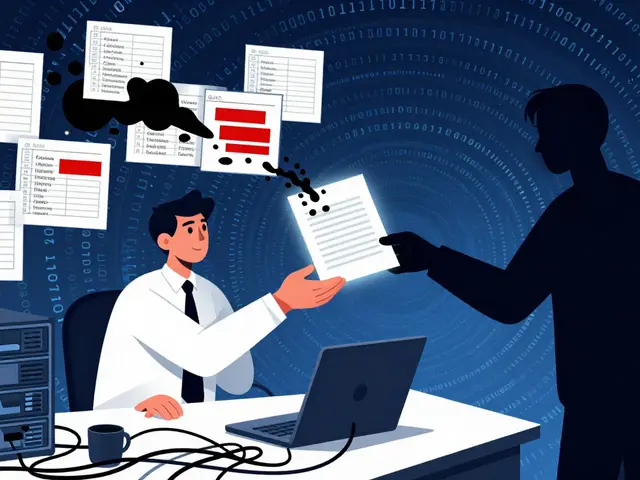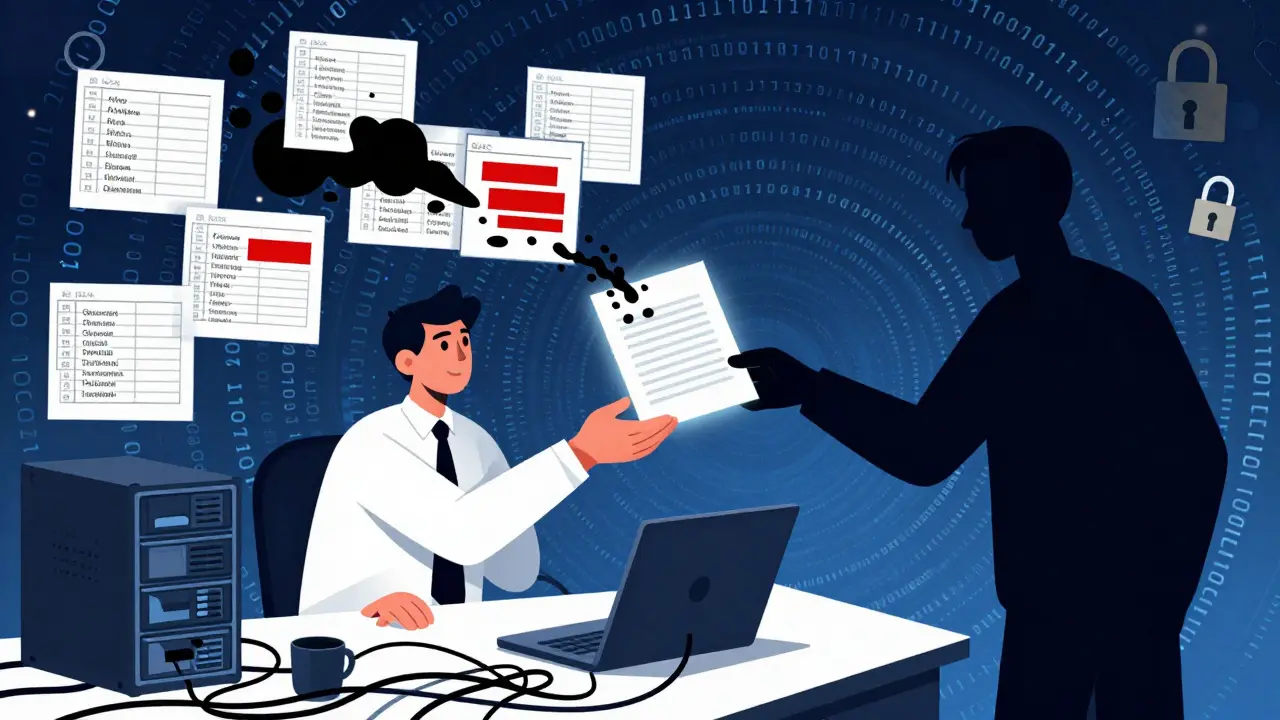
You spend weeks analyzing a client's messy financials, mapping their internal org charts, and building complex predictive models. You wrap up the project, send the final deck, and then-six months later-you want to use that same model as a case study for a pitch to a potential new client. You open the file, change the company name to "Global Retailer," and hit send. But did you actually clean the file? Or is the original author's name, the server path to the client's database, and a hidden comment from your intern still buried in the background?
This is where most consultants get burned. Sanitizing client deliverables isn't just about changing names in the text; it is a rigorous process of removing, masking, or transforming sensitive information so work products can be safely reused without breaching confidentiality contracts or data protection laws. In an era of strict regulations like GDPR and increasingly sophisticated AI tools, failing to sanitize properly can lead to massive legal liability and reputational damage.
Why Your 'Cleaned' File Is Still Leaking Data
We often think of a PowerPoint slide or an Excel spreadsheet as a flat image on our screen. In reality, these files are complex containers hiding layers of information. Modern document formats like DOCX, XLSX, and PPTX are essentially ZIP archives containing XML code. Inside those folders sit specific files like docProps/core.xml and docProps/app.xml, which store metadata that most users never see.
This metadata includes the author's name, the last person who modified the file, the total editing time, and even the path to the template used to create it. If you worked on a project for "Acme Corp" using a template stored on their local server, that server path might still be embedded in the file properties. When you try to reuse that deck for "Beta Inc," you aren't just sending a presentation; you are accidentally broadcasting the identity of your previous client.
The risk goes beyond simple naming errors. Consider the TSA screening manual incident from 2008, where black boxes were placed over sensitive text in a PDF, but the underlying text remained selectable and visible. Naive redaction is a common trap. For consultants, this means that simply highlighting text and making it white doesn't remove it. You need tools that understand the structure of the file to ensure data is truly gone, not just visually hidden.
The Five Categories of Sensitive Content
To sanitize effectively, you first need to know what you are looking for. NIST SP 800-122 provides a helpful taxonomy for Personally Identifiable Information (PII), but for consultants, we can broaden this into five distinct categories found in typical deliverables:
- Direct Personal Identifiers: Names, email addresses, employee IDs, and phone numbers. This is the obvious stuff, but it often hides in footnotes or contact lists.
- Confidential Business Intelligence: Pricing strategies, margin breakdowns by SKU, proprietary algorithms, and source code. These are trade secrets that belong strictly to the client.
- System Architecture Details: Database hostnames, SQL schema names, and internal IP ranges. These reveal how a client's IT infrastructure works, which is valuable information for competitors or malicious actors.
- HR and Governance Data: Org charts showing impending layoffs, performance review scores, and compensation bands. This is highly sensitive and often triggers severe contractual penalties if leaked.
- Security Incident Logs: Timelines of data breaches, vulnerability lists, and patch notes. Sharing these exposes the client's security posture.
Each category requires a different sanitization technique. A name needs pseudonymization; a server IP needs masking; a small-cell statistic needs aggregation.
A Step-by-Step Sanitization Workflow
Sanitization cannot be an afterthought. It must be integrated into your project lifecycle from day one. Here is a practical workflow to protect your firm and your clients:
- Scoping and Classification: At kickoff, define what data will appear in deliverables. Is it public, internal, confidential, or restricted? Align with the client on data protection requirements, especially if you are acting as a data processor under GDPR Article 28.
- Design for Anonymity: Build templates that allow for easy substitution. Use parameterized charts where real numbers can be swapped for scaled values without breaking the layout. Avoid hard-coding client names in formulas.
- Pre-Delivery Scrubbing: Before sharing any file outside the immediate client team, run a comprehensive check. This includes stripping metadata, removing comments, and checking for tracked changes.
- Peer Quality Assurance: Have a second pair of eyes review the deliverable specifically for leaks. They should look for context clues that could re-identify the client, such as unique industry jargon or specific geographic references.
- Documentation: Keep a "sanitization log" internally. Record what transformations you applied (e.g., "Revenue figures scaled by 1.2x") so that future users of the template understand the limitations of the data.
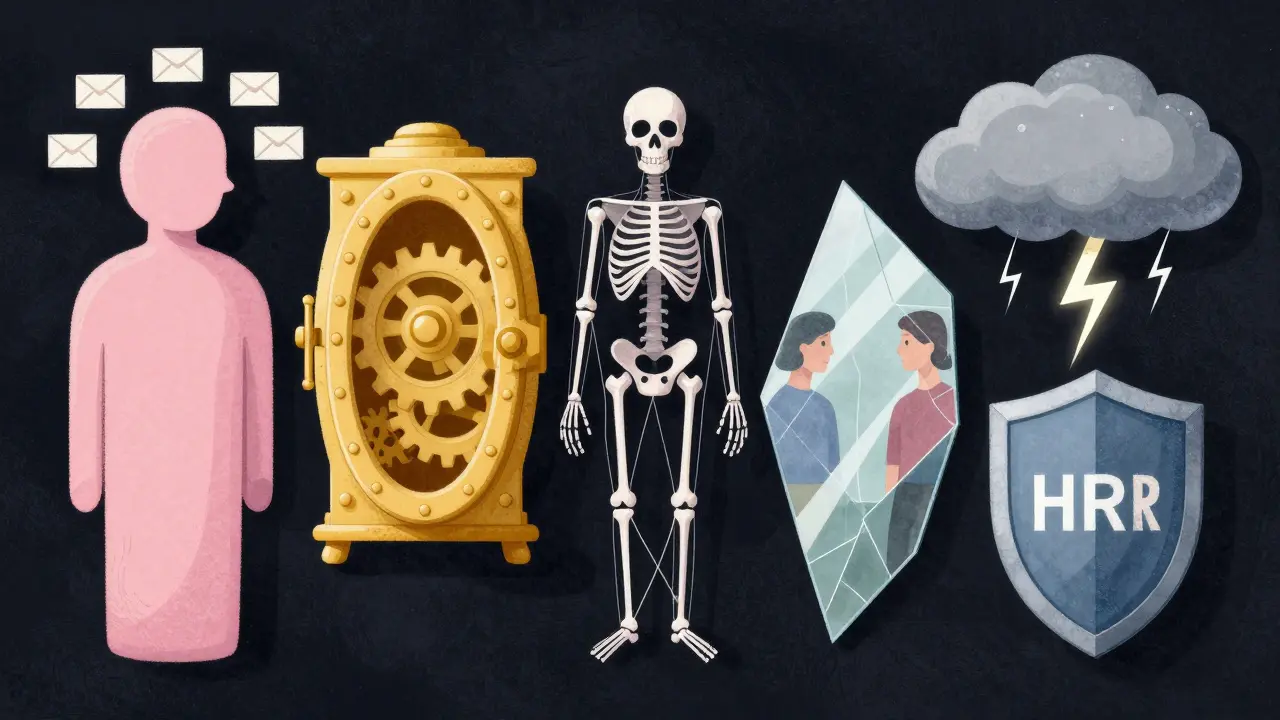
Concrete Techniques: Masking, Aggregation, and Redaction
Effective sanitization relies on a mix of techniques rather than a single search-and-replace operation. Here is how to handle different types of data:
- Generalization: Replace specific values with broader categories. Instead of "Starbucks Seattle Store #402," use "Large National Coffee Chain." This aligns with k-anonymity principles established by Latanya Sweeney in 2002.
- Suppression: Remove entire sections that are too sensitive. If a slide contains free-text customer complaints that could identify individuals, delete the slide entirely rather than trying to edit the text.
- Masking: Substitute real data with realistic fake data. Turn a revenue figure of $12,345,678 into $12.3M. Scale all related numbers by a consistent factor (between 0.8 and 1.2) so that ratios and trends remain accurate for illustrative purposes.
- Pseudonymization: Replace identifiers like Customer ID #12345 with Token_A. Keep the mapping key in a separate, secure location if you need to reverse the process later, though for external case studies, you usually discard the key permanently.
- Aggregation: Report at higher levels. Instead of showing sales for individual stores, show regional totals. Statistical disclosure control guidelines often recommend a minimum cell size of 3-5 observations to prevent re-identification.
Cleaning Metadata Without Microsoft Office
If you work in a Windows-heavy environment with full Microsoft Office licenses, you might rely on the built-in Document Inspector. It does a decent job of removing comments and properties. But what if you are on a Mac, Linux, or ChromeOS? Or what if you are working with OpenDocument formats like ODT or ODS?
This is where specialized tools come in handy. You don't need to install heavy software to strip metadata. Tools like Vaulternal's Metadata Remover offer a browser-based solution that processes files locally. This is crucial for consultants because the file never leaves your device-it runs via WebAssembly in your browser, ensuring that no confidential data is uploaded to a third-party server. It strips core properties, application properties, and custom fields from both Office Open XML and OpenDocument files, giving you a clean slate without the overhead of desktop software.

Handling Code, Data Sets, and AI Risks
For data and analytics consultants, the challenge is even greater. Jupyter notebooks, SQL queries, and machine learning models can leak information through membership inference attacks. Cynthia Dwork’s work on differential privacy highlights that models trained on sensitive data can inadvertently reveal details about individual records.
While full differential privacy is complex to implement, you can take simpler steps:
- Hash Identifiers: Convert direct identifiers like email addresses into irreversible hashes before they enter your dataset.
- Add Noise: Apply Laplace noise to numeric columns to obscure exact values while preserving statistical distributions.
- Use Synthetic Data: Tools like the Synthetic Data Vault (SDV) can generate fake datasets that mimic the statistical properties of real client data without containing any actual records.
- Sanitize Code: Strip API keys, connection strings, and hostnames from scripts. OWASP’s Top 10 list consistently flags sensitive data exposure as a critical risk.
Furthermore, be cautious with generative AI. Pastel confidential client content into public AI tools unless you have an enterprise agreement guaranteeing data privacy. Many firms now require that only sanitized excerpts be used with AI assistants to prevent accidental ingestion of trade secrets.
Building a Culture of Confidentiality
Technology alone won't save you. You need a culture where every consultant understands the value of sanitization. Train your team to recognize that "cleaning" a file is not just deleting a logo. It involves checking the properties pane, reviewing comments, and verifying that no hidden slides contain raw data.
Create checklists for each deliverable type. Require peer reviews for any material intended for external marketing. And always assume that any file leaving your network could end up in the wrong hands. By treating sanitization as a core professional skill rather than an administrative chore, you protect your clients, your firm, and your reputation.
What is the difference between anonymization and pseudonymization?
Anonymization transforms data so that an individual can no longer be identified, and the process is irreversible. Pseudonymization replaces identifying fields with artificial identifiers (pseudonyms), but the data can be re-identified if you have access to the separate mapping key. For consulting case studies, true anonymization is safer.
Does Microsoft Word's Document Inspector remove all metadata?
It removes most standard metadata like author names, comments, and revisions, but it may miss custom properties added by add-ins or templates. It also does not work on non-Microsoft formats like ODF. For a more thorough clean across platforms, dedicated metadata removers are recommended.
Is it safe to use online tools to sanitize confidential documents?
Only if the tool processes files locally in your browser. If the tool uploads the file to a server for processing, you risk exposing confidential data. Look for tools that explicitly state they are client-side and do not upload files.
How do I sanitize a dataset for a portfolio example?
Remove all direct identifiers (names, emails). Aggregate small groups to prevent re-identification. Mask specific values with noise or scaling factors. Ensure that the combination of remaining attributes (like ZIP code, gender, and birth date) does not uniquely identify individuals, as shown by Sweeney's k-anonymity research.
What happens if I accidentally share unsanitized client data?
You could face breach of contract claims, fines under data protection laws like GDPR or CCPA, and significant reputational damage. Clients trust consultants with sensitive information; losing that trust can end a business relationship permanently.